Every platform wants its own tool just to take a clean screenshot.
Capture the running app on any platform, then ship the demo without opening an editor.
Spectra reaches the app through each platform's native path, turns the recording into a polished clip with spotlight focus and captions, and keeps every asset in one tagged local library.
claude plugin install spectra@rosslabs-ai-toolkit Claude Code & Codex plugin · CLI · macOS app · installs from the Ross Labs AI Toolkit
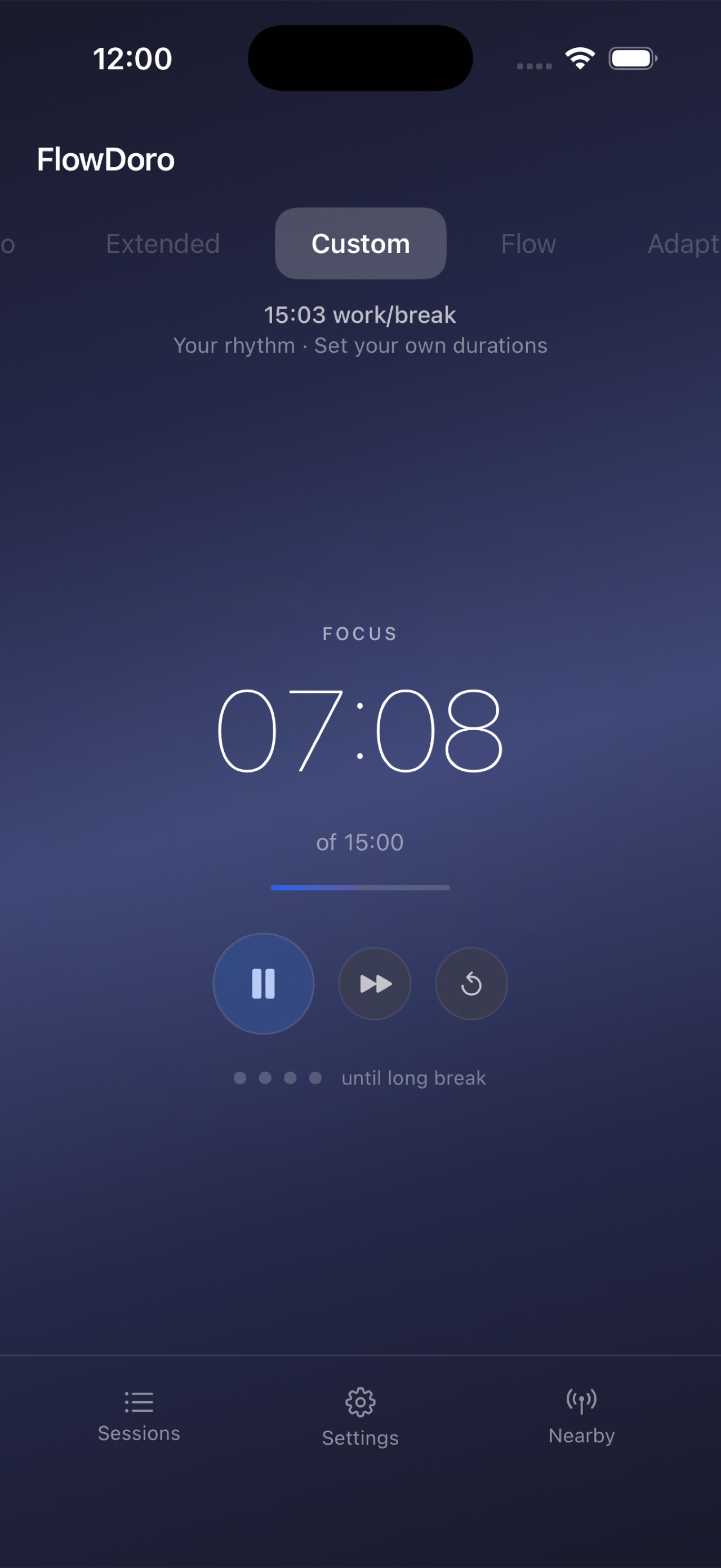
Screenshots, sequences, and framing in one place
Spectra captures screenshots, guided usage sequences, and demo assets from a single tool — so you stop stitching together a different workflow for every platform.
Clean, consistent framing without the manual crop
Framing metadata travels with each capture, so a set of screenshots looks like it belongs together instead of a pile of one-off crops.
A demo library, not a folder of loose files
Captures, guided sequences, framing metadata, tags, and export manifests live in one local library — organized enough to become your long-term source of demo assets.
The right automation for each platform
A Node runtime drives the web layer through Chrome DevTools Protocol; a Swift bridge handles macOS through the Accessibility API and iOS/watchOS through simulator control — one tool, the native path on each platform.
- Captures stay in one local library on your machine
- The native automation path per platform — no lowest-common-denominator hacks
- A finished polish pipeline — spotlight focus, numbered captions, multi-segment merge
Which platforms does it cover?
Web, macOS, iOS, and watchOS. The web layer runs through Chrome DevTools Protocol; macOS and iOS/watchOS go through a Swift bridge using the Accessibility API and simulator control.
How do I install it?
Four ways. As a Claude Code plugin or a Codex plugin from the Ross Labs AI Toolkit marketplace, as a standalone CLI, or as a macOS app. The repo is public on GitHub.
Does it record video, or just screenshots?
Both, and the video path is finished rather than experimental. Spectra records, then applies spotlight focus, numbered lower-third captions, multi-segment merge, and audio cues — so a raw recording becomes a shareable clip without an editor.
How is it different from Showcase?
Spectra supersedes Showcase. Showcase proved development-time capture; Spectra makes that cross-platform and organized enough to be the long-term demo library.
I kept reaching for a different tool every time I needed a clean shot — DevTools for the web app, something else for the Mac window, simctl for the phone, another dance for the Watch. The captures never matched, and there was no single place they lived.
Spectra is the one tool I wanted for all of it: capture on any platform, frame it consistently, tag it, and keep it in a library I can actually find things in later. It supersedes Showcase — same idea, but cross-platform and organized enough to be the place my demo assets live for good.
claude plugin install spectra@rosslabs-ai-toolkit Claude Code & Codex plugin · CLI · macOS app · installs from the Ross Labs AI Toolkit