You paste an API key into a chat so the agent can use it — and now it's sitting in a transcript file forever.
Your agent can use the key without ever seeing the value.
A local macOS vault encrypts secrets at rest and hands them to CLIs and agents by reference over a loopback API — the value itself never enters their context.
macOS 14+ (Apple Silicon) · private beta · loopback-only, no cloud
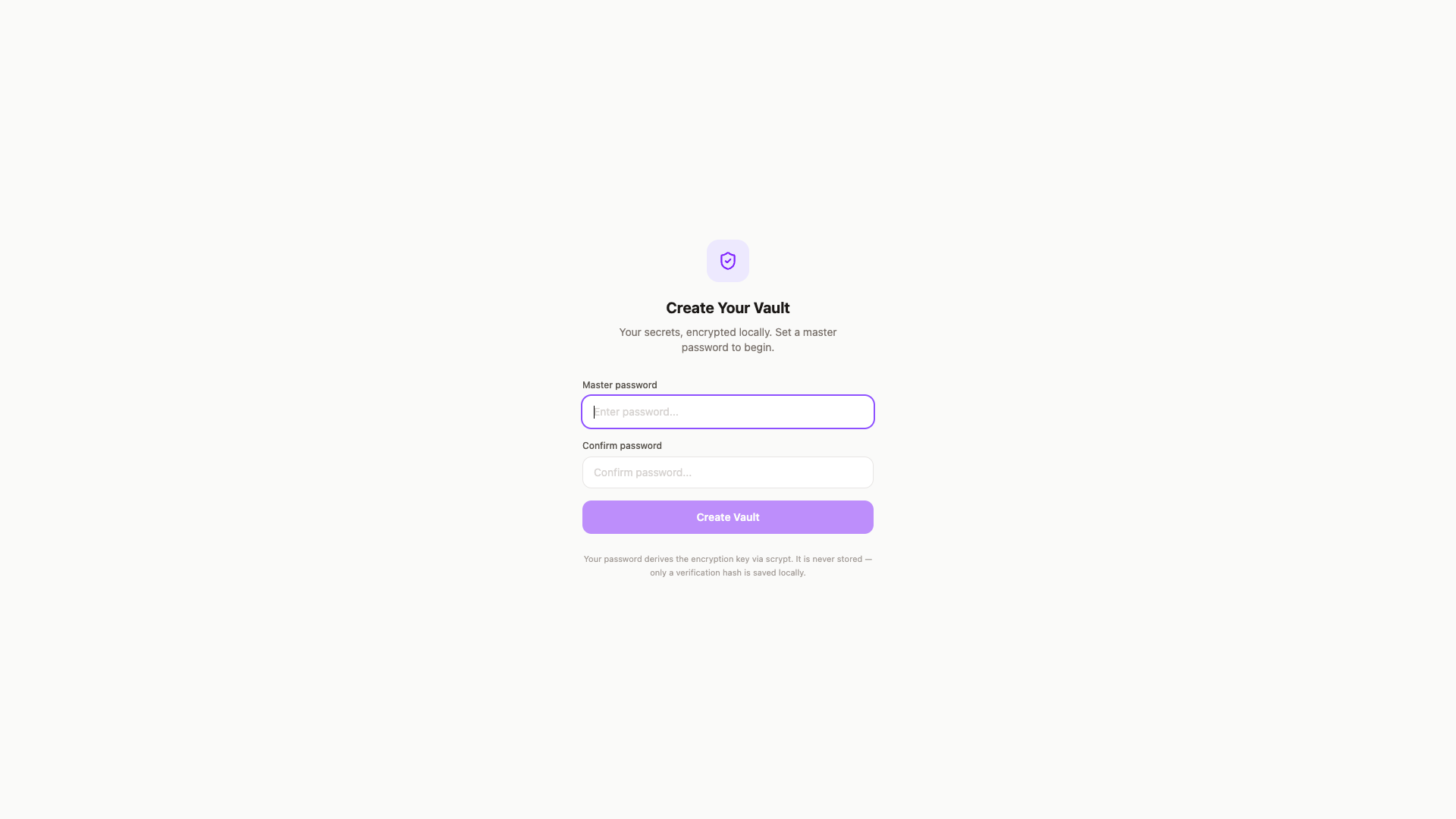
One master password, derived into a key that never touches disk
The master password runs through PBKDF2-SHA256 at 600,000 iterations to derive a 32-byte AES key. The password itself is never stored — only a verification hash — and the derived key lives in memory only, zeroed on lock or after 30 minutes idle. Touch ID enrollment is optional on top.
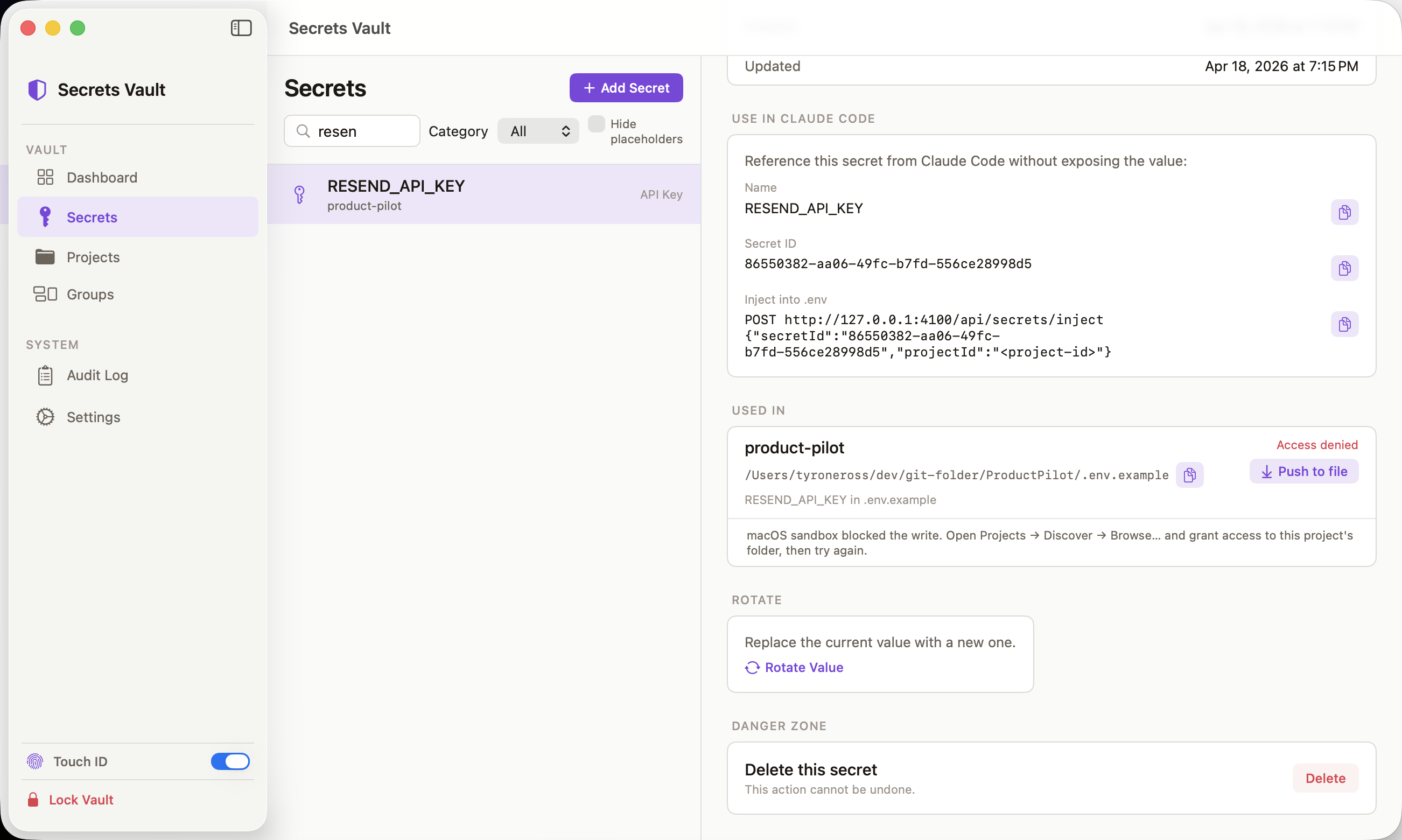
Secrets you can list and search — values you never see rendered
Every secret is encrypted at rest with AES-256-GCM in a local SQLite database. The unlocked list shows name, category, and a reference card for using it in Claude Code — never the plaintext value, not in the UI and not in any API response an agent receives.
The model asks for a secret and gets a lookup ID, never the value
The CLI, SDK, and the Claude Code / Codex MCP plugin all read metadata only — ID, name, last-used timestamp. When an agent needs a value in a file, it calls inject, which writes the value straight to a path-validated .env file on disk. The value never enters the agent's context window and never appears in a transcript.
No outbound network entitlement — it physically cannot phone home
The HTTP API binds to 127.0.0.1:4100 with loopback-only acceptance, and the sandboxed app carries the loopback-server entitlement only, not the outbound-client one. Every value access flows decrypt → audit-log → return, and the audit table never stores the value itself — only the operation, ID, and timestamp.
- No outbound network entitlement — the sandboxed app cannot reach the internet, full stop
- No telemetry, no update checks, no cloud account, no sync
- Secret values never appear in error messages, logs, or agent-facing API responses — only IDs and metadata
- The derived encryption key never touches disk — memory only, zeroed on lock
Can I download it today?
Not publicly yet — the repo and the signed build are still private while the app finishes security hardening. The build is a native Apple Silicon macOS app. Request early access and I'll follow up when it opens.
How does an agent use a secret without seeing it?
The MCP and CLI endpoints return metadata only — ID, name, last-used timestamp. When a value needs to land in a file, inject writes it directly to a path-validated .env file; the model that asked for it never receives the value in its context.
Does it need an internet connection?
No — it's local-first by design. The API binds to 127.0.0.1 only, and the sandboxed app has no outbound-network entitlement, so it cannot reach the internet even if it tried.
Has this had a security audit?
Not a full third-party audit yet. It ships signed with an Apple Development certificate (not yet notarized), with loopback-only binding, origin checks, path-validated file injection, and an append-only audit log as the hardening in place so far.
Every agent I used eventually wanted a secret — an API key, an OAuth token, a signing cert — and the only options on offer were bad: a plaintext .env file that gets committed by accident, a system keychain most agent frameworks never bother authorizing against, or pasting the value straight into the chat, which is what actually happens most often and leaves it sitting in a transcript file forever.
Secrets Vault is the vault I wanted instead: local, encrypted, and built so an agent can use a value without ever receiving it. Unlock with Touch ID or a master password, and the CLI, SDK, and MCP plugin all read the same loopback API — metadata on request, values only ever written straight into a file you chose. It’s still working through security hardening before I open it up publicly, but it’s the app I already run every one of my own keys through.
macOS 14+ (Apple Silicon) · private beta · loopback-only, no cloud