Most AI training drops everyone into the same course list — the same intro deck for someone who just wants to use AI and someone shipping a RAG pipeline.
One choice sends you down the path built for your actual job.
Pick one and land on the exact right starting point in a tap — "Work with AI" from your first prompt to leading adoption, or "Build with AI" from a no-code app to production RAG, agents, and evals.
Web · private beta · the path a real builder actually walked
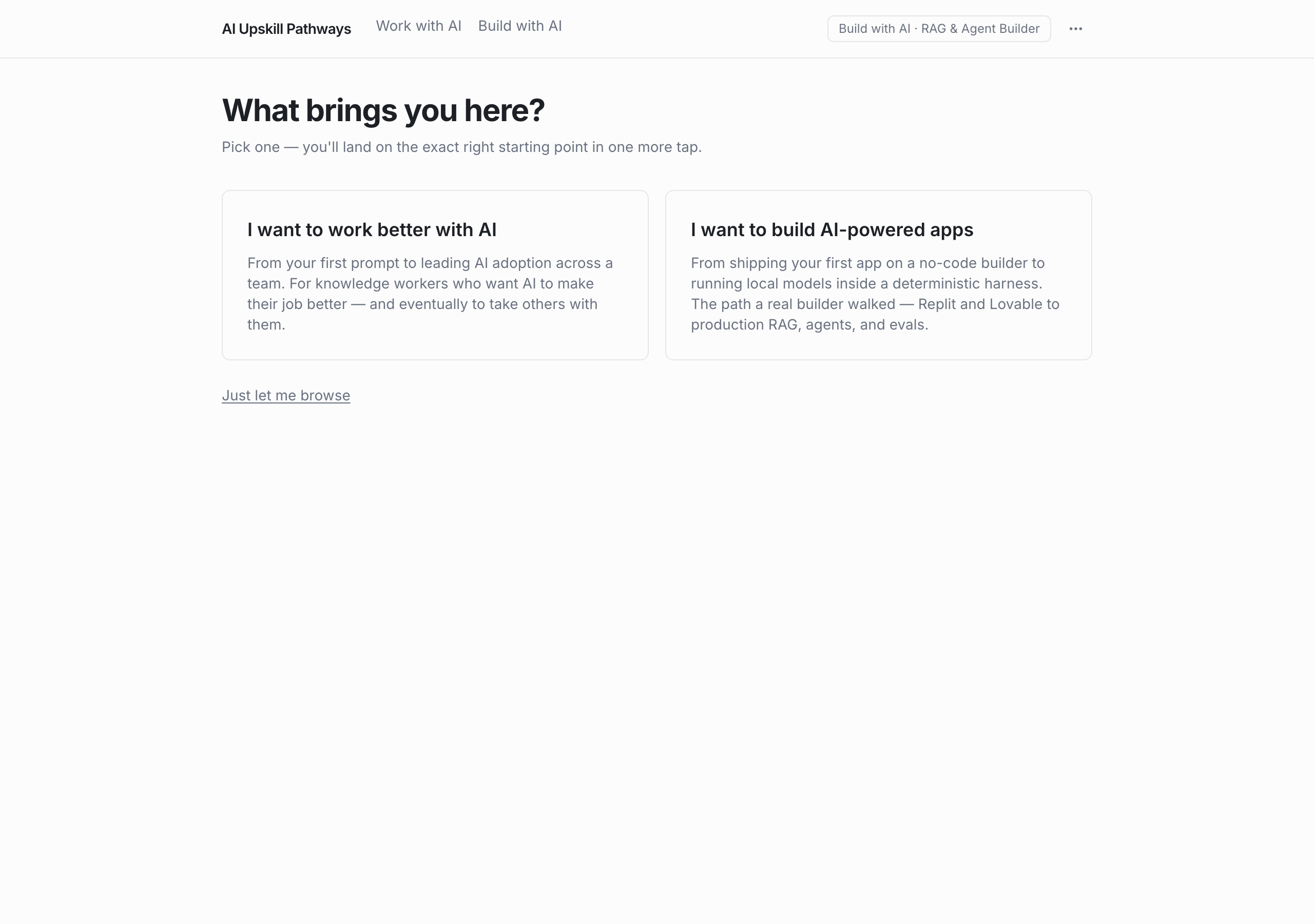
One question, then the exact right starting point
"What brings you here?" splits into two intents — work better with AI, or build AI-powered apps — so a knowledge worker and an app builder don't get handed the same syllabus. Pick one and you're one tap from your path.
An ordered path, not a pile of bookmarks
Each track is a real path in order. Build with AI's RAG & Agent Builder runs nineteen lessons start to finish — each with a clear "start here," a read time, and a level you can switch — so you always know the next thing worth doing.
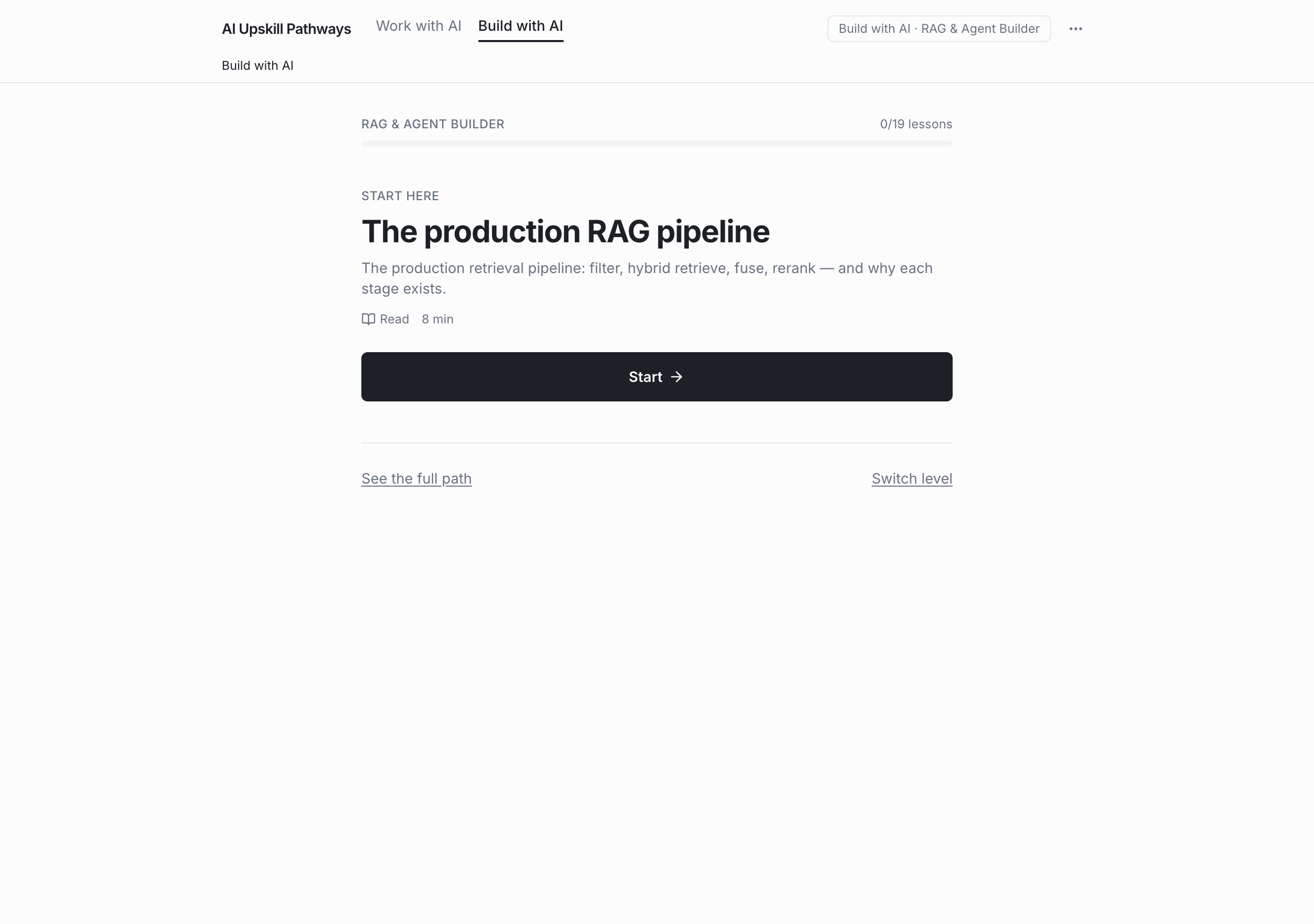
The path a real builder actually walked
Build with AI sequences real tooling in the order it was actually used — a first app on a no-code builder, then local models in a deterministic harness, Replit and Lovable through to production RAG, agents, and evals.
Ahead already? Change the level, keep the path
Every path has a level you can switch and a full-path view, so a team that's already past the basics jumps to where the work actually starts instead of sitting through what they know.
- Not a link dump — every lesson lives in the app, in order, with a read time
- No completion bar to game — the path is sequenced by what's worth doing next, not percent-complete
- Honest about maturity — it's a private beta, not a public course catalog
What are the two tracks?
"Work with AI" is for knowledge workers — from your first prompt to leading AI adoption across a team. "Build with AI" is for builders — from a no-code app to production RAG, agents, and evals.
How is a track structured?
As an ordered path of lessons with a clear starting point, a read time on each, and a switchable level. The RAG & Agent Builder path, for example, runs nineteen lessons start to finish.
Who is it for?
Right now it's a private beta built around two real intents — using AI well in your work, and building AI-powered apps. It's the path I actually walked, laid out for other people.
Is it available publicly yet?
Not yet. It's an internal build; the CTA above is a status marker, not a live signup. It'll open up when there's room.
Every AI upskilling program I’d seen dropped the whole company into one course list — the same intro deck for someone who just wanted to write better prompts and someone trying to ship a RAG pipeline. People stalled reading about capabilities they’d never touch, or skipped straight to tooling with no idea when a task even called for AI.
AI Upskill Pathways starts with one honest question — are you here to use AI or to build with it? — and sends you down a path made for that, in order, with the next worthwhile step always in front of you. The Build track is literally the route I walked: no-code app, then local models in a harness, then production RAG, agents, and evals. It’s an internal build for now, but the shape held up well enough that I wanted it where people could see it.
Web · private beta · the path a real builder actually walked